


...
Rendering is performed by a vendored cytoscape.js inside a WebView2 (WPF) or OpenSilver (HTML5) host — no external network dependency at runtime.
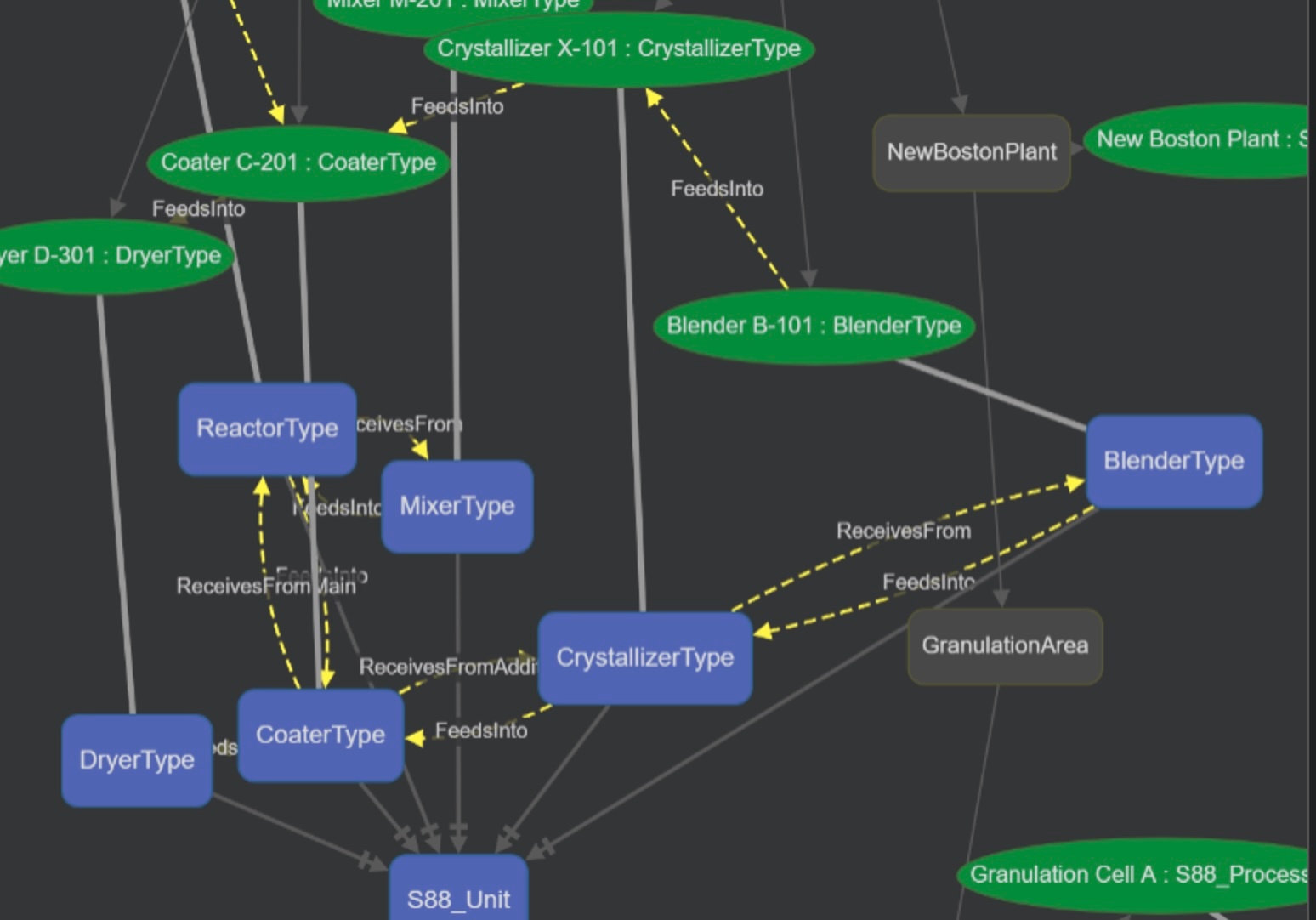
...
Requirements
This component is Portable: it runs both on Windows WPF displays and on Web Pages on any platform. WPF deployments use WebView2 (Microsoft Edge runtime, bundled with FrameworX). HTML5 deployments render through the OpenSilver-hosted cytoscape.js, served from the Display contents.
...
Naming history. The control was named
TOntologyChartduring the 10.1.5 preview period. The shipped name isTKnowledgeGraph; the old name was retired with no back-compatibility alias. Preview-period solutions persisting the old element type must re-add the control in the 10.1.5 Designer (see the Release Notes → Update 5 (Preview) Known Issues table).One source, many controls. Multiple Knowledge Graph controls on the same Display share the same source column — they all render the same graph. To show different views of the same ontology, post-process the source in a Script Task before placing it in the column.
Companion features. Pairs with the Industrial Ontology Integration How-to import workflow and the LocalAI KnowledgeGraph Demo solution.
Design-time preview is recognition-only. When the control is placed on a Display in the Designer, it renders a fixed 6-node hand-positioned sample (Asset → Plant1/Plant2 → PumpA/PumpB/TankX) rather than the live
KnowledgeGraphSource. This is intentional — at design time, the goal is recognition (“the Knowledge Graph slot lives here”), not precision. The runtime cytoscape render is the source of truth for the customer’s actual ontology.Auto-fit on resize. The runtime cytoscape graph automatically refits its viewport when the host container resizes — window resize, panel collapse, splitter drag, or any intra-window layout shift. Debounced at 150 ms. The toolbar’s Fit button remains as the manual recovery path.
...
In this section...
| Page Tree | ||
|---|---|---|
|
...